Stop Typing npm run dev: How to Create Custom Commands on macOS (zsh) for Faster Development
TL;DR
- Use
.zshrcto define custom commands - Prefer functions over aliases for argument support
- Fix alias conflicts only if you hit errors
- Run
nrd,ni,nr buildglobally across projects
The Problem (Every Developer Feels This)
You type this multiple times a day:
npm install
npm run dev
npm run <blah blah blah>
It’s repetitive. It’s slow. And at scale—it’s cognitive friction.
The Solution: Custom Shell Commands (zsh)
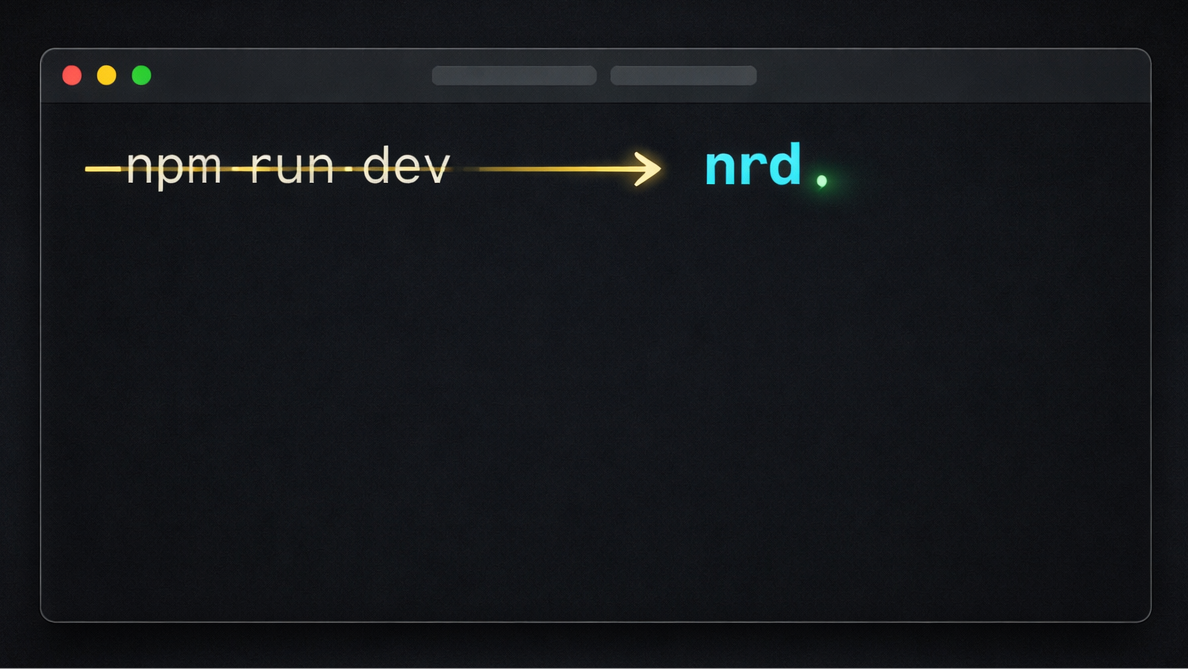
Instead of:
npm run devYou run:
nrdInstead of:
npm install axiosYou run:
ni axiosStep 1 — Open Your zsh Config
nano ~/.zshrcThis will open your system's configuration script in edit mode.
Step 2 — Add Your Custom Commands
Please read these instructions carefully.
Reach to the bottom of this file, and paste following as is (make sure to add a new line/line break before pasting 😉):
# =========================
# Node Shortcuts (Scalable)
# =========================

nrd() {
  if [ -f package.json ]; then
    npm run dev "$@"
  else
    echo "No package.json found"
  fi
}

ni() {
  npm install "$@"
}

nr() {
  npm run "$@"
}
After pasting above script, just press Ctrl+x
Then press Y to confirm the changes.
Then press Enter key to confirm no change in the file name you just edited.
Step 3 — Apply Changes
source ~/.zshrcStep 4 — If You See an Error (Fix Alias Conflict)
Only in case you see any error. Please skip this step if you see no output at all. No output means everything works as expected.
If you get something like:
defining function based on alias `nrd'
parse error near `()'
It means you previously defined an alias.
Fix it by adding this above your functions:
unalias nrd ni nr 2>/dev/nullThen reload again:
source ~/.zshrcStep 5 — Use It Anywhere
nrd
ni axios
nr build
nr test
Why Functions > Aliases
| Capability | Alias | Function |
|---|---|---|
| Static command | ✅ | ✅ |
| Accept arguments | ❌ | ✅ |
| Add logic | ❌ | ✅ |
| Scalable | ❌ | ✅ |
Advanced Upgrade (Optional)
nrd() {
  if [ -f package.json ]; then
    npm run dev "$@"
  else
    echo "⚠️ Not a Node project"
  fi
}
Strategic Insight
This is not about saving keystrokes.
It’s about:
- Reducing friction in execution loops
- Standardizing workflows
- Building your own developer interface
High-performing developers don’t just use tools—they reshape them.
